Understanding the injection molding machine basics is an essential part of operating the equipment. As the main interface between the operator and the machine, the control panel allows users to enter commands, adjust process parameters, and monitor operating conditions. Knowing how to use these controls helps operators manage production tasks and respond to changes in machine status.
An injection molding machine controller typically includes a display, physical keys, mode selectors, parameter settings, and alarm functions. Each control serves a specific purpose, from switching between operating modes to adjusting machine movements and identifying potential faults. Confusing these functions can lead to incorrect settings or unsafe operation.
This article explains the main components of an injection molding machine control panel, the functions of common keys, and how these controls work together during setup and production. It also covers safe operating practices, routine inspections, and maintenance considerations to help operators use the controller correctly and reliably.

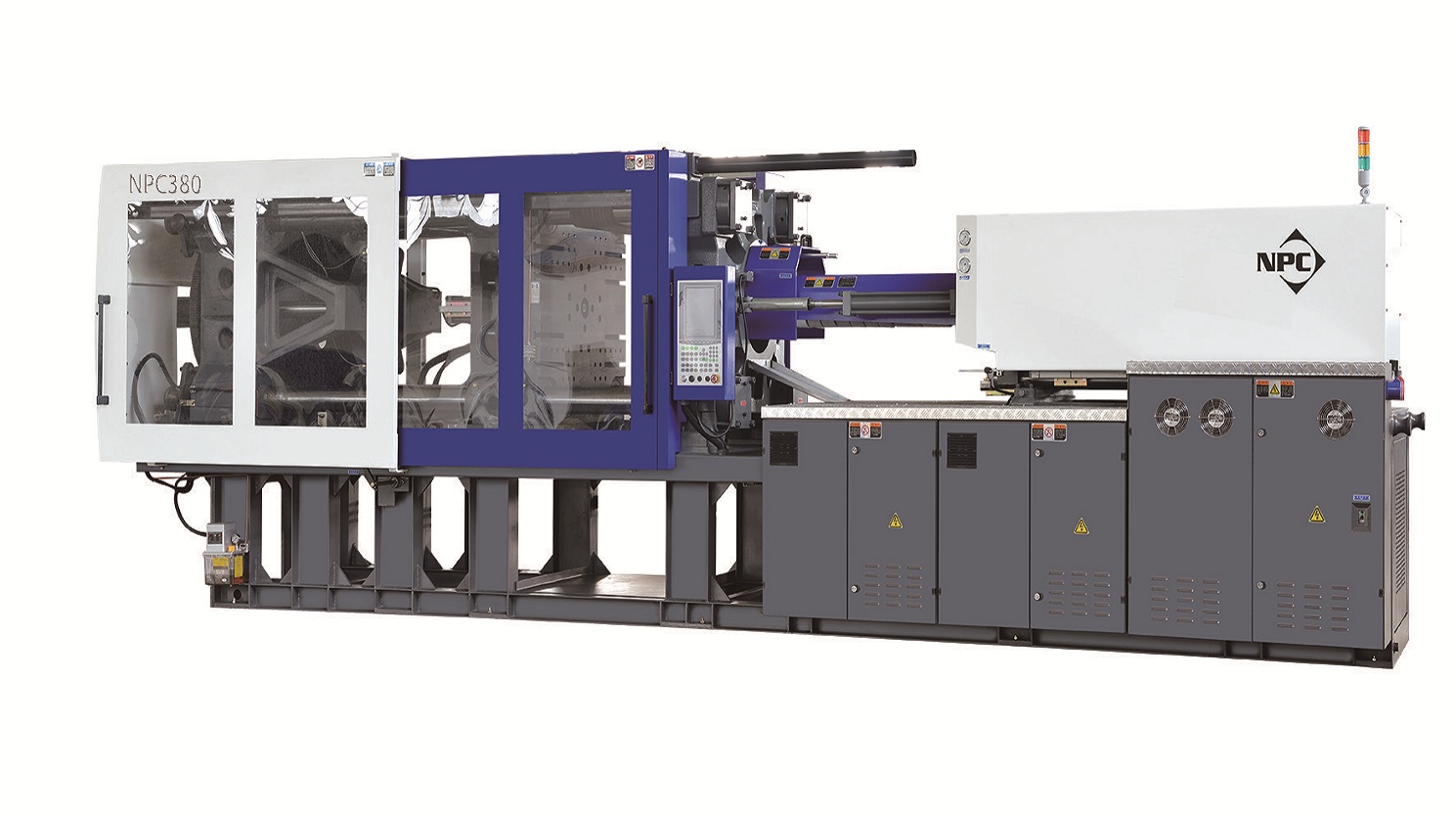
The main injection molding machine components on a control panel allow operators to manage machine settings, monitor production, and control equipment movements. Their layout and functions vary depending on the machine and control system.
The human-machine interface (HMI) displays operating data, including temperature, pressure, speed, position, production counts, and alarms. Operators can use the screen to adjust parameters and manage production recipes, depending on the system configuration.
Physical controls provide direct access to specific functions. Common examples include:
Emergency stop devices allow operators to stop hazardous machine operation in an emergency. Mode selectors determine the permitted operating mode, while other safety controls help prevent unsafe movements. Unlike an emergency stop, a standard stop button serves routine stopping functions.
Understanding injection molding machine parts and functions helps operators select the right controls, adjust settings, and monitor production. Depending on the controller, some functions use physical keys, while others are accessed through the touchscreen.
|
Mode |
Main function |
|
Manual |
Operate individual machine movements under permitted conditions |
|
Semi-automatic |
Run a production cycle according to configured logic |
|
Automatic |
Repeat preset production cycles |
|
Mold adjustment |
Support mold setup, depending on machine configuration |
|
Control |
Function |
|
Mold open/close |
Open or close the mold |
|
Injection/retraction |
Move the injection unit or screw as configured |
|
Plasticizing |
Rotate the screw to prepare molten material |
|
Ejector forward/backward |
Extend or retract the ejector |
|
Nozzle forward/backward |
Move the injection unit toward or away from the mold |
|
Core pull |
Control auxiliary core movements |
|
Function |
Purpose |
|
Temperature, pressure, speed, position, and time |
Set process conditions |
|
Recipe management |
Save or load process settings |
|
Alarms and diagnostics |
Review faults and machine status |
|
Production data |
Check cycle information and output counts |
These controls support setup, trial runs, and production monitoring. Always follow the machine manual and verify operating conditions before initiating movements.
Knowing how to operate plastic injection molding machine controls means understanding how mode selection, manual commands, parameter settings, and status monitoring work together throughout production.
Before Starting
During Setup and Trials
Use permitted manual controls to test machine movements. Monitor temperature, pressure, position, and alarms, then adjust settings based on trial results and verify the changes before proceeding.
During Automatic Production
Start the automatic cycle only when all required conditions are met. Use the HMI to monitor machine status, cycle data, and alarms. If an abnormal condition occurs, follow the machine's shutdown and troubleshooting procedures. Do not resume production until the issue has been resolved and safe operation confirmed.
Following an injection molding machine maintenance checklist helps operators identify control panel problems early and maintain safe, reliable operation.
.
Seek qualified service if controls fail, touchscreens become unclear, alarms display incorrectly, or feedback is unexpected. Consider upgrades when existing controls no longer meet operating needs. Never open energized components without proper authorization and safety procedures.
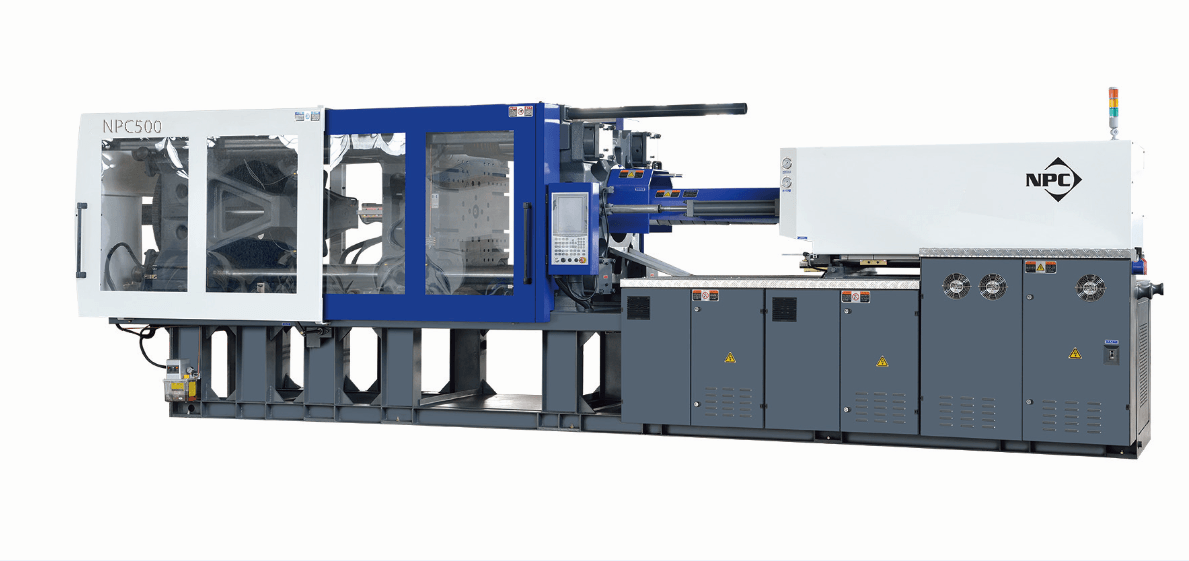
The control panel is essential for operating an injection molding machine, from entering commands and adjusting process parameters to monitoring production and responding to alarms. Understanding mode selection, manual operation, parameter settings, and safety controls helps operators manage machine movements correctly and identify potential problems. A clear interface, consistent operating procedures, and regular control panel inspections also contribute to reliable equipment operation and safer production.
NPC Machine specializes in precision plastic injection molding machines for different production requirements. Whether you need a high-speed machine, a fruit basket machine, or another specialized solution, contact NPC Machine to discuss your production goals and find a suitable machine configuration for your application.
By continuing to use the site you agree to our privacy policy Terms and Conditions.